
Where To Find Serial Number On Ryobi Lawn Mower?
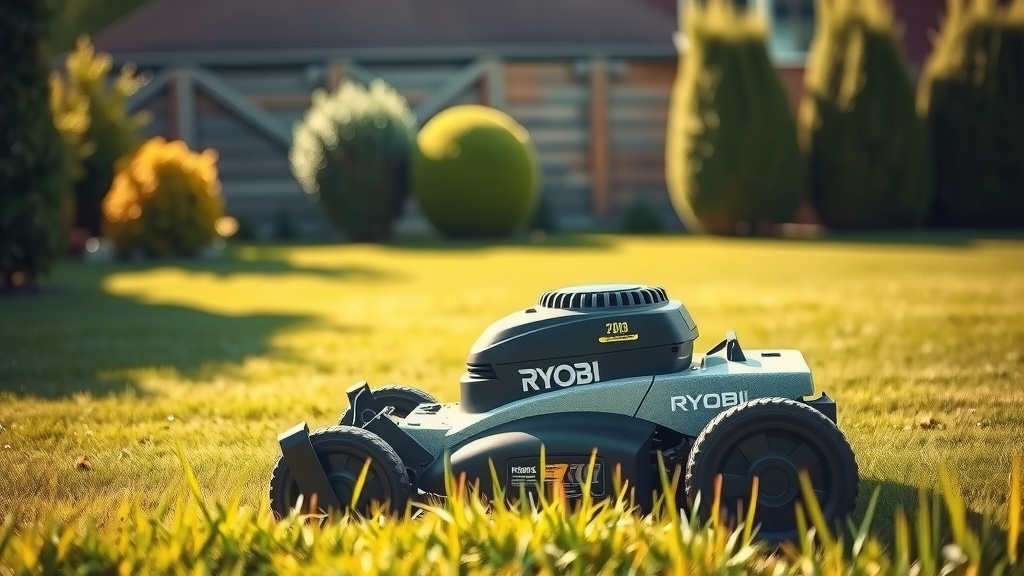
You can typically find the serial number on your Ryobi lawn mower located on a sticker or plate affixed to the mower deck, usually near the rear wheels or the battery compartment.
For many Ryobi models, especially battery-powered ones, check the area under the battery, along the top of the mower deck, or sometimes even on the handle assembly.
- Quickly find your Ryobi lawn mower serial number on the main deck or near the battery slot.
- Look for a small, silver or white sticker with several numbers and letters.
- If you have a walk-behind model, often the number is near the rear wheel or on the top housing.
- The owner’s manual can also guide you to the exact serial number location for your specific model.
Where To Find Serial Number On Ryobi Lawn Mower?
Finding the serial number on your Ryobi lawn mower is usually a straightforward process. It’s often printed on a durable sticker or plate, designed to withstand outdoor conditions.
Why Do You Need Your Ryobi Serial Number?
Before we dive into the “where,” let’s quickly talk about the “why.” Why is this number so important anyway? Well, it’s like your mower’s unique ID card.
You’ll need it for things like warranty claims, ordering the correct replacement parts, or even just registering your product. Many experts say knowing this number simplifies future service needs (Ryobi Support).
Starting Your Search: The Mower Deck
For most Ryobi lawn mowers, the first place you should look is the mower deck itself. This is the main body that houses the blade. We found that it’s a very common spot for this important sticker.
Carefully inspect the top side of the deck, especially near where the handle connects. Sometimes, it might be on the side, close to one of the wheels.
Checking Under the Battery Compartment
If your Ryobi mower is battery-powered, the battery compartment is another prime location. Many models have the serial number label hidden just beneath the battery. Why there? It keeps the label clean and protected from the elements.
Just pop out the battery, and you might find the sticker waiting for you. This is a crucial step for many electric Ryobi models.
Other Common Places to Look
Ryobi makes a variety of lawn mowers, so locations can vary slightly. Don’t worry if it’s not in the first spot you check. Keep looking!
We found that other common spots include the rear of the mower, near the discharge chute, or occasionally on the metal frame supporting the handles. Just scan the entire machine carefully.
The Handle Assembly and Frame
Sometimes, the serial number sticker is placed on the lower part of the handle assembly. This is often where it meets the main deck. It’s a good spot because it’s easy to see when you stand behind the mower.
Also, don’t forget to check the metal frame components that make up the mower’s structure. Look for any flat surfaces where a label might fit neatly.
Tips for a Successful Serial Number Hunt
Finding a small sticker on a dirty or well-used piece of equipment can be a challenge. Don’t let it get the best of you! We’ve gathered some tips to make your search easier.
Think of it like a treasure hunt, but instead of gold, you’re finding a really useful number!
- Clean the Area: A little dirt or grass clipping buildup can hide that sticker. Give your mower a quick wipe-down in likely spots.
- Use a Flashlight: Even in daylight, a flashlight can highlight faded numbers or stickers in shadows.
- Check All Angles: Sometimes the sticker is placed in an awkward spot, only visible from a specific angle. Get down low!
- Consult Your Owner’s Manual: This is perhaps the best resource. Your manual often shows an exploded diagram with the serial number location marked.
- Look for Specific Labels: The serial number is usually part of a larger product information label that also includes the model number.
When You Can’t Find It: The Next Steps
What if you’ve searched high and low, cleaned everything, and still no luck? Don’t panic. It happens. Sometimes stickers wear off or get damaged. Here’s what you can do next.
It’s like looking for your keys and realizing they were in your hand all along, but this time, maybe they truly are lost!
Check Your Purchase Records
Did you register your mower when you bought it? Check your Ryobi online account or any warranty cards you filled out. The serial number is often recorded during initial registration.
Your original receipt or the product packaging might also have the serial number printed on it. These are often forgotten but can be goldmines of information.
Contact Ryobi Customer Support
If all else fails, reach out to Ryobi’s customer support. They might be able to help you based on your purchase date and model number, though having the serial number is always best.
Be ready to provide your model number, which is usually easier to find, and a detailed description of your mower. They might have a database of common serial number locations for specific models (Ryobi Support).
A Quick Overview: Ryobi Mower Serial Number Locations
To help you visualize, here’s a general guide for common Ryobi mower types. Keep in mind that specific models might differ, but this gives you a great starting point.
| Ryobi Mower Type | Likely Serial Number Location |
|---|---|
| Cordless Electric (Battery) | Under the battery compartment, on the main deck near a rear wheel, or on the handle frame. |
| Corded Electric | Top of the main deck, near the motor housing, or on the side of the deck near the wheels. |
| Self-Propelled Models | Generally on the main deck, sometimes closer to the rear where the drive system is located. |
Checklist for Finding Your Ryobi Serial Number
Use this quick checklist to methodically search for your serial number. It will save you time and potential frustration.
- Check the top and sides of the mower deck.
- Remove the battery and look underneath the battery compartment.
- Inspect the handle assembly, especially near its base.
- Look around the rear wheels and the discharge chute area.
- Consult your owner’s manual for specific diagrams.
- Use a flashlight to illuminate hidden spots and faded labels.
Maintaining Your Serial Number’s Visibility
Once you find that elusive serial number, it’s a good idea to record it somewhere safe. Snap a photo with your phone or write it down in a notebook.
You can also apply a clear protective tape over the label if it seems exposed. This simple step can save you a lot of searching next time you need it.
Conclusion
Finding the serial number on your Ryobi lawn mower might feel like a small task, but it’s an important one for keeping your mower in top shape. Whether you’re dealing with warranty issues or just needing a part, that number is your key.
Remember to check the deck, under the battery, and around the handle. With a little patience and a good flashlight, you’ll locate it in no time. Keep it safe, and happy mowing!
How do I find the model number on my Ryobi lawn mower?
The model number is usually located on the same sticker or plate as the serial number, often directly above or below it. It helps identify the specific version of your mower.
Can I find the serial number on my Ryobi mower battery?
No, the serial number for the lawn mower itself will not be on the battery. Batteries have their own unique serial numbers, but these are for the battery, not the mower unit.
What if the serial number sticker is worn off or unreadable?
If the sticker is completely unreadable, check your owner’s manual, original purchase receipt, or any product registration you completed. If those aren’t available, contact Ryobi customer support with your model number for guidance.
Is the serial number always a combination of letters and numbers?
Yes, Ryobi serial numbers typically consist of a sequence of both letters and numbers. This alphanumeric combination makes each product uniquely identifiable within their system.
Does the serial number tell me the manufacturing date?
Often, yes. Many manufacturers, including Ryobi, embed the manufacturing date within the serial number code. The first few digits or letters might indicate the year and week of production.
