
How Long Does a Robot Mower Battery Last?
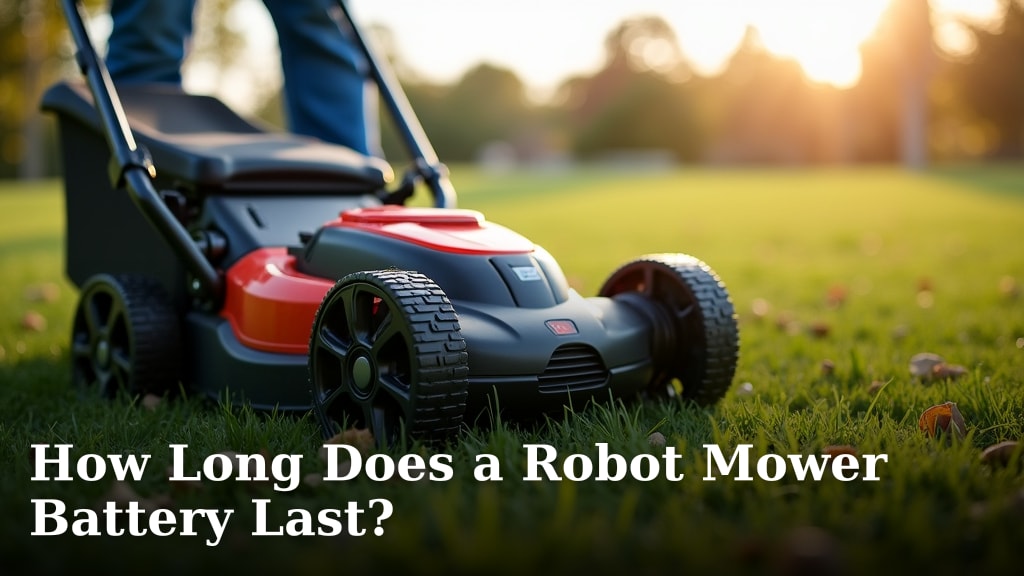
So, you’re wondering, how long does a robot mower battery last? Generally, you can expect a robot mower battery to last anywhere from 3 to 5 years. This lifespan depends heavily on usage, charging habits, and the specific battery technology used by your mower.
Understanding your robot mower’s battery is key to keeping your lawn perfectly manicured. A well-maintained battery means fewer interruptions and a longer service life for your automated gardening assistant. We’ve researched the factors that affect battery longevity.
- Battery life typically ranges from 3 to 5 years.
- Usage frequency and depth of discharge play a big role.
- Proper charging habits extend battery life significantly.
- Environmental factors like extreme temperatures can impact performance.
- Battery technology (Li-ion vs. others) affects longevity.
Let’s dive into what influences your robot mower’s battery life and how you can maximize it.
HTML structure:Robot Mower Battery Lifespan: What to Expect
Generally, you can expect a robot mower battery to last between 3 to 5 years. This lifespan isn’t set in stone, though. Many factors can influence how long your mower’s battery will serve you faithfully. We’ve looked into what makes these batteries tick and what can shorten their useful life.
Factors Affecting Your Robot Mower Battery’s Life
Usage Patterns: More Mowing, More Wear
Think of your robot mower’s battery like your own phone battery. The more you use it, the more it gets charged and discharged. This cycle is what eventually wears down a battery. If your robot mower works hard mowing your lawn every single day, especially during peak growing season, its battery will likely see a shorter lifespan than one used only a couple of times a week.
We found that frequent and deep discharges are major contributors to battery wear. A deep discharge means the battery is drained significantly before being recharged. Robot mowers are designed to manage this somewhat, but consistent deep discharges will still impact longevity.
Charging Habits: The Good, the Bad, and the Ugly
How you charge your robot mower can make a big difference. Leaving it plugged in constantly after it’s fully charged isn’t always ideal for all battery types. While modern mowers often have smart charging systems, overcharging can still be a concern for older models or certain battery chemistries. On the flip side, letting the battery get completely depleted too often is also not good. How you charge your robot mower can make a big difference in its battery life.
Many experts suggest finding a balance. It’s best to let the mower return to its charging station when it needs power. Avoid interrupting the charging cycle unnecessarily. Allowing the mower to complete its charge cycle ensures it’s ready for its next mowing session without stressing the battery.
Environmental Conditions: Temperature Troubles
Batteries don’t like extreme temperatures. If you live somewhere with very hot summers or freezing winters, your robot mower’s battery might take a hit. Heat, in particular, can accelerate the chemical reactions inside a battery, leading to faster degradation. Cold temperatures can temporarily reduce battery performance, but extreme cold can cause permanent damage.
We found that operating your robot mower in temperatures consistently above 90°F or below 32°F can shorten its battery life. Some manufacturers recommend storing the mower in a garage or shed that’s temperature-controlled, especially during harsh weather. This simple step can really protect your battery.
Battery Technology: Li-ion Reigns Supreme
Not all batteries are created equal. The technology used to build the battery is a huge factor in its lifespan. Most modern robot mowers use Lithium-ion (Li-ion) batteries. These are known for being lightweight, holding a charge well, and having a longer cycle life compared to older technologies like Nickel-Cadmium (NiCd) or Nickel-Metal Hydride (NiMH).
Li-ion batteries can typically handle more charge and discharge cycles before their capacity significantly diminishes. For instance, a typical Li-ion battery might last 3 to 5 years, whereas older technologies might only last 1 to 3 years under similar use. We found that Li-ion technology is a key reason for the extended lifespan of newer robot mowers.
Battery Capacity: More Juice, More Time
The size or capacity of the battery, often measured in Amp-hours (Ah) or Watt-hours (Wh), directly influences how long the mower can run on a single charge. A larger capacity battery will allow the mower to cover more lawn or run for longer periods before needing to recharge. While this doesn’t directly impact the battery’s *lifespan* (how many years it lasts), it affects how often it needs to cycle.
A mower with a larger battery might need to recharge less frequently for the same area, potentially leading to fewer total charge cycles over its lifetime. This can indirectly contribute to a longer *overall* useful life of the battery. It’s a trade-off between runtime and potential wear. We see that higher capacity batteries often provide more convenience.
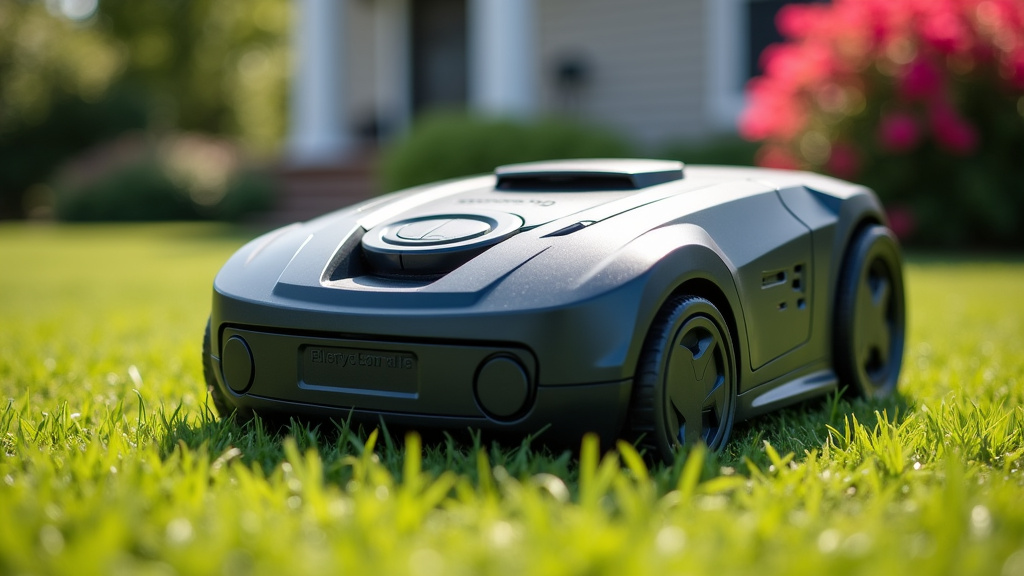
Maximizing Your Robot Mower Battery’s Potential
Smart Charging Practices
As mentioned, proper charging is key. Most robot mowers come with a charging station. It’s generally best to let the mower dock and charge itself whenever it needs to. Avoid manual charging unless absolutely necessary. Many mowers have software that manages the charging process to prevent overcharging. We found that following the manufacturer’s charging recommendations is always the wisest approach.
If you need to store your mower for an extended period, like during winter, consult your manual. Often, it’s recommended to store the battery with a partial charge (around 50%) and check it periodically. This prevents deep discharge or overcharging while in storage.
Seasonal Maintenance for Battery Health
Just like any machine, your robot mower benefits from seasonal check-ups, especially regarding its battery. Before the main mowing season begins, ensure your mower is fully charged and operating correctly. After the season ends, clean the mower and its charging contacts. Dirt and debris on charging contacts can prevent a good connection, leading to charging issues.
We found that keeping the charging contacts clean and corrosion-free is surprisingly effective. A quick wipe with a dry cloth or a specialized electronic cleaner can make a difference. This ensures efficient charging and reduces strain on the battery.
Regular Cleaning and Inspection
Keeping your robot mower clean is important for its overall performance, including battery health. Dirt, grass clippings, and debris can clog vents, leading to overheating. Overheating is a battery killer. Regularly inspect the mower’s body, wheels, and especially the charging station for any build-up.
We recommend a quick visual inspection after each mowing session. Remove any large debris. A more thorough cleaning can be done weekly or bi-weekly, depending on your lawn’s conditions. This simple habit helps maintain optimal operating temperatures for your mower and its battery. It’s all about **preventing unnecessary stress**.
Software Updates: Keep it Smarter
Many robot mowers receive software updates. These updates can include improvements to battery management algorithms, charging logic, and overall efficiency. By keeping your mower’s software up-to-date, you ensure it’s operating with the latest optimizations designed by the manufacturer. This can help it manage its power more effectively.
Check your manufacturer’s app or website regularly for updates. Installing them is usually straightforward. We found that keeping the firmware current can sometimes lead to **better battery performance** and potentially extend its life by ensuring optimal operation.
Understanding Battery Replacement
Even with the best care, all batteries eventually degrade. When you notice a significant drop in runtime or performance, it might be time for a replacement. Robot mower batteries are typically designed to be replaceable. Check your mower’s manual for instructions or contact the manufacturer. Replacing the battery can give your robot mower a new lease on life.
The cost of a replacement battery can vary, but it’s often less than buying a new mower. It’s a good investment if the rest of your mower is still in good condition. We found that understanding when a battery is truly at the end of its life is key to making this decision. Look for signs like the mower stopping mid-cycle more often or taking much longer to charge.
Quick Checklist for Battery Longevity
- Charge your mower on its dock when needed.
- Avoid extreme temperatures during operation and storage.
- Keep charging contacts clean and free of debris.
- Perform regular cleaning of your robot mower.
- Install software updates when available.
- Consult your manual for specific battery care tips.
Conclusion
You now know that your robot mower’s battery isn’t designed to last forever, typically offering 3 to 5 years of service. We’ve seen how usage, charging routines, and environmental factors all play a part. By following smart charging practices, performing seasonal maintenance, and keeping your mower clean, you can help maximize its battery’s potential. Remember to consult your owner’s manual for specific care recommendations. Taking these steps will help ensure your automated lawn care companion keeps running smoothly for as long as possible. Ready to give your mower the best care?
Frequently Asked Questions
How do I know when my robot mower battery needs replacing?
You’ll likely notice a significant decrease in runtime on a single charge. Your mower might also stop mowing mid-cycle more frequently or take much longer to fully recharge. These are clear signs that the battery’s capacity has diminished.
Can I use a third-party battery if my original one dies?
While third-party batteries might exist, we recommend sticking with the manufacturer’s approved replacement. Using an incompatible battery could damage your mower or void its warranty. Always check your manual or contact the manufacturer for approved options.
Is it okay to leave my robot mower plugged in all the time?
Most modern robot mowers have smart charging systems that prevent overcharging. However, for optimal battery health, it’s generally best to let it charge when needed and disconnect it if storing for long periods. Consult your manual for specific advice.
Does extreme cold weather affect my robot mower’s battery life?
Yes, extreme cold can temporarily reduce battery performance and, in very harsh conditions, can cause permanent damage. We found that operating and storing your mower outside of its recommended temperature range can shorten its battery’s lifespan.
What’s the best way to store my robot mower battery for the winter?
If you need to store your mower for an extended period, like winter, it’s often recommended to store the battery with a partial charge, around 50%. Check your owner’s manual for the manufacturer’s specific storage guidelines to prevent damage.
